How Cloud Computing Actually Works Behind the Scenes
Cloud Fundamentals Weekly — Issue #4
In this issue: Discover what actually happens behind the scenes when you use cloud computing, from global data centers and virtualization to networking and automation.
Introduction
Cloud computing often feels almost magical.
You click a button, upload a file, launch a website, or ask an artificial intelligence assistant a question, and within seconds everything works.
But behind that simple experience lies one of the largest and most sophisticated engineering systems ever built.
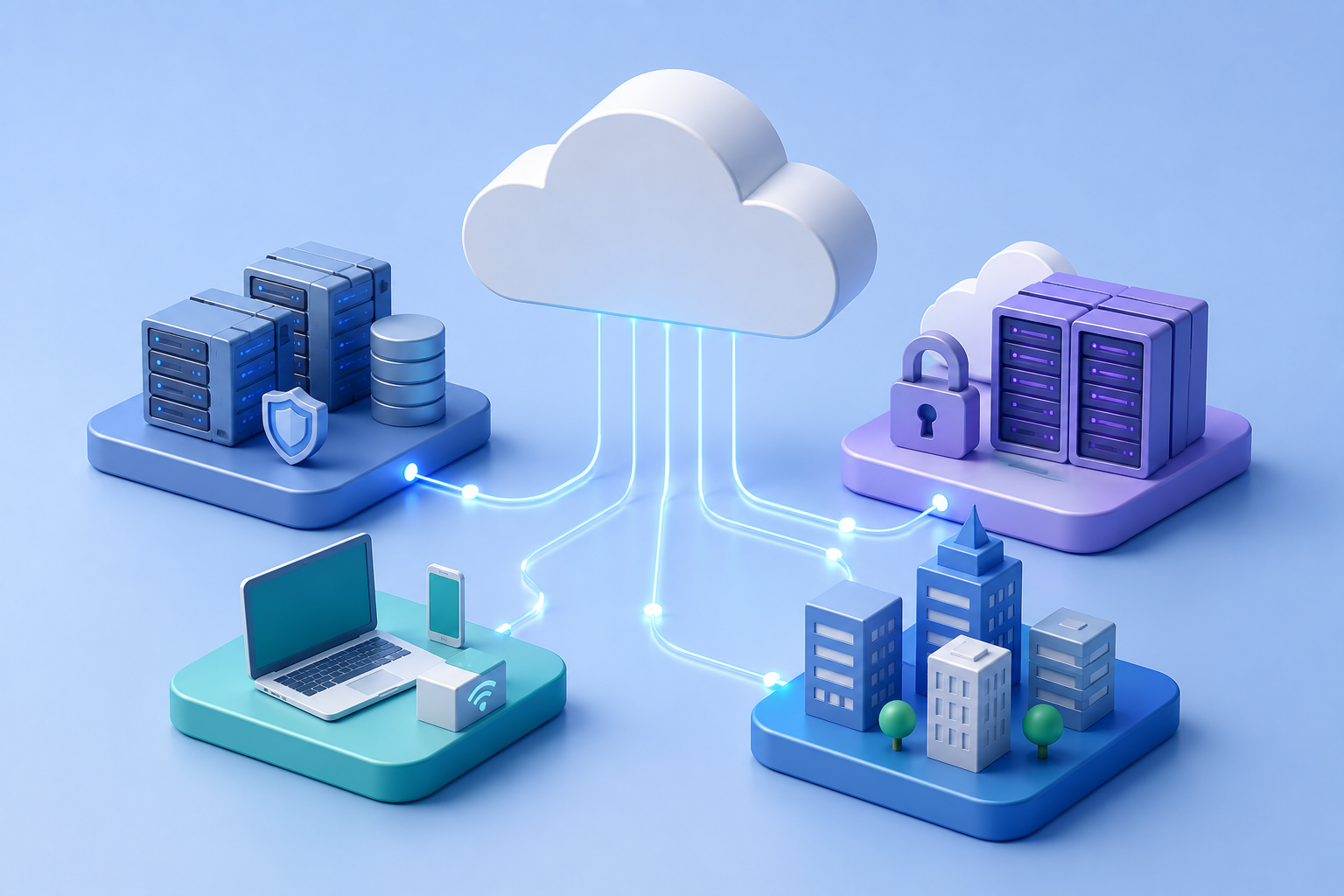
Cloud providers operate millions of servers distributed across data centers around the world. These systems work together to deliver computing resources on demand while maintaining high availability, security, and performance.
Understanding how cloud computing works behind the scenes helps explain why the cloud is scalable, reliable, and capable of supporting billions of users every day.
The Foundation: Data Centers
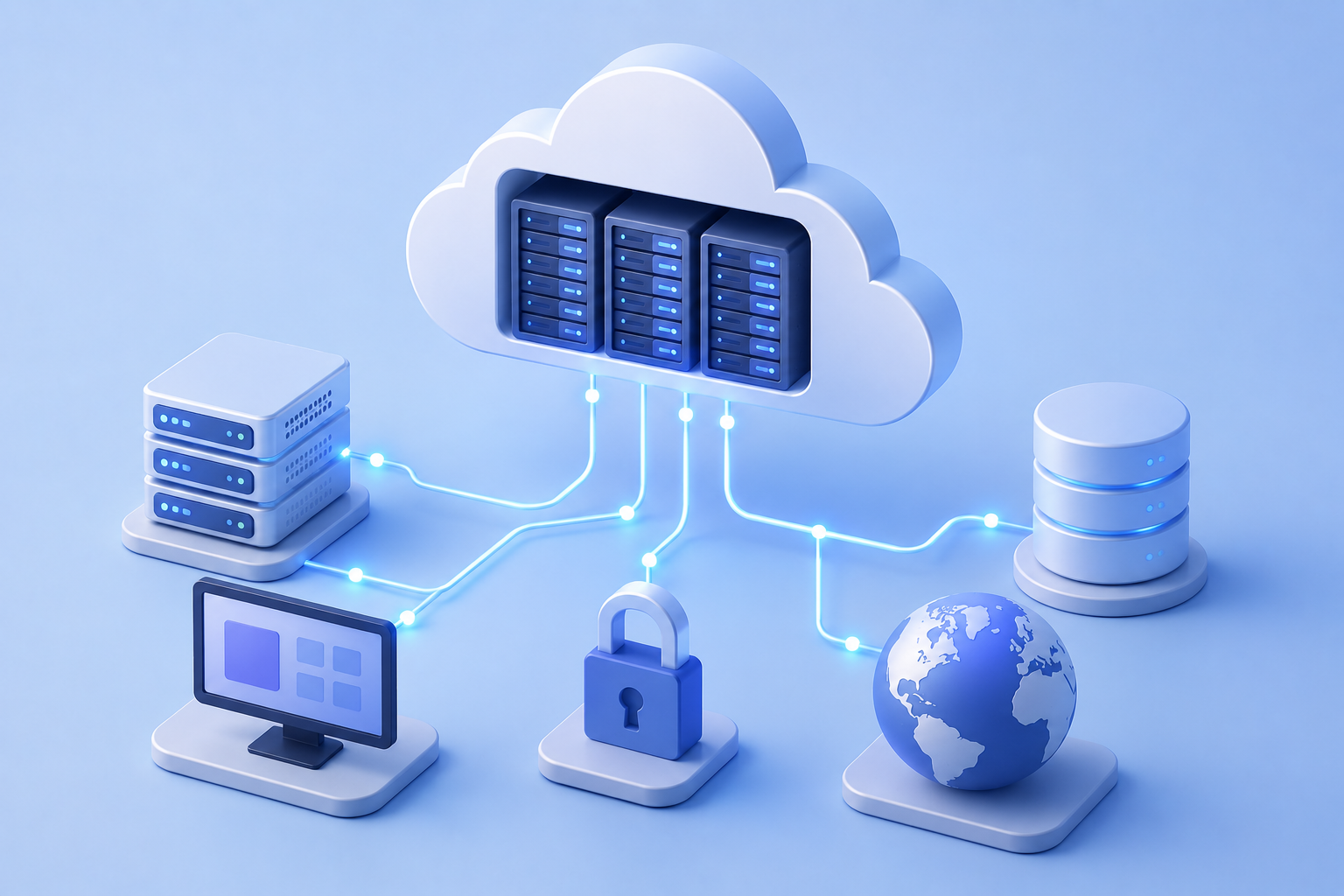
Everything in the cloud ultimately runs inside physical data centers.
A data center is a highly secure facility that houses thousands—or sometimes hundreds of thousands—of servers.
These facilities include:
- Server racks
- Networking equipment
- Storage systems
- Backup power systems
- Cooling infrastructure
- Physical security
- Fire suppression systems
- High-speed internet connections
Unlike a traditional office server room, modern cloud data centers are engineered for continuous operation.
Every critical component is designed with redundancy so services remain available even when individual hardware components fail.
Servers: The Computers Behind the Cloud
At the heart of every cloud platform are servers.
A server is simply a powerful computer designed to provide services to other computers over a network.
Servers may:
- Store files
- Run websites
- Process databases
- Execute applications
- Train AI models
- Host virtual machines
Cloud providers operate millions of these servers simultaneously.
Rather than serving a single organization, they efficiently allocate computing resources to thousands of customers.
Virtualization: The Technology That Changed Everything
One of the key innovations behind cloud computing is virtualization.
Instead of dedicating one physical server to one customer, virtualization allows a single server to run multiple independent virtual machines.
Each virtual machine behaves like its own computer with:
- Operating system
- CPU allocation
- Memory
- Storage
- Networking
Customers never interact directly with the physical hardware.
Instead, they receive isolated virtual resources that appear to function exactly like dedicated servers.
This dramatically improves hardware utilization while reducing costs.
Networking Connects Everything
Cloud infrastructure depends on incredibly fast networking.
Within a cloud provider's environment:
- Servers communicate with storage systems.
- Applications communicate with databases.
- Load balancers distribute traffic.
- Users connect through the internet.
- Data moves between geographic regions.
Modern cloud networks operate at enormous scale while automatically routing traffic through the most efficient paths.
If one network path becomes unavailable, traffic can often be redirected automatically.
Storage Systems
Cloud providers offer multiple types of storage depending on different workloads.
These generally include:
Object Storage
Ideal for files such as:
- Images
- Videos
- Documents
- Backups
Block Storage
Provides storage volumes that behave like traditional hard drives for virtual machines.
File Storage
Allows multiple systems to share files using familiar directory structures.
Different storage technologies are optimized for different performance, availability, and cost requirements.
Automation Makes the Cloud Possible
Imagine manually configuring millions of servers.
It would be impossible.
Instead, cloud providers rely heavily on automation.
Automation continuously performs tasks such as:
- Provisioning new servers
- Replacing failed hardware
- Scaling applications
- Applying security updates
- Monitoring system health
- Distributing workloads
- Performing backups
This automation allows cloud platforms to respond to changing demand within minutes—or sometimes seconds.
Scaling Applications
One of cloud computing's greatest strengths is scalability.
Suppose an online retailer normally receives 5,000 visitors per hour.
During a major holiday sale, traffic suddenly increases to 500,000 visitors.
Cloud platforms can automatically:
- Launch additional servers
- Distribute incoming traffic
- Increase database capacity
- Expand storage
- Monitor performance
When traffic returns to normal, unnecessary resources can be removed automatically.
This process is known as elastic scaling.
Building for Reliability
Hardware eventually fails.
Hard drives stop working.
Power systems malfunction.
Network equipment experiences outages.
Cloud providers assume failures will happen.
Instead of preventing every failure, they design systems that continue operating despite failures.
This includes:
- Duplicate hardware
- Multiple network paths
- Backup power
- Data replication
- Geographic redundancy
- Continuous monitoring
The result is highly resilient infrastructure capable of delivering services with minimal downtime.
Security Behind the Scenes
Security is integrated throughout cloud infrastructure.
Cloud providers implement multiple layers of protection including:
- Physical security
- Identity management
- Network security
- Encryption
- Continuous monitoring
- Threat detection
- Logging
- Automated security updates
Customers are still responsible for securing their own applications and data, but cloud providers invest enormous resources into protecting the underlying infrastructure.
Bringing Everything Together
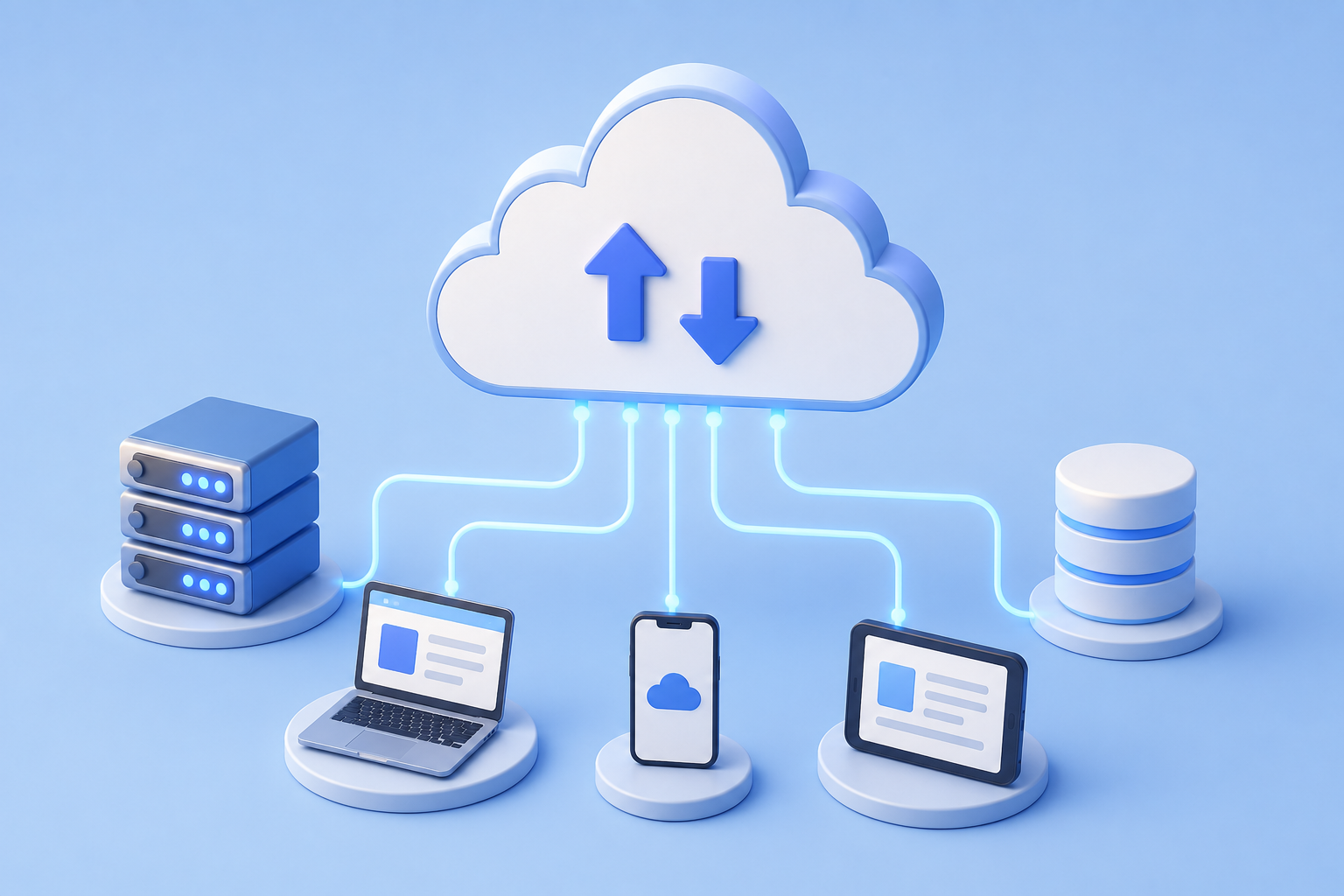
When you launch a cloud application, many systems work together simultaneously.
A simplified workflow looks like this:
- A user sends a request.
- The request travels across the internet.
- Cloud networking routes the request.
- Load balancers direct traffic to available servers.
- Virtual machines or containers process the request.
- Applications retrieve data from storage or databases.
- The response is returned to the user.
Although this entire process may involve dozens of systems, it often completes in only a fraction of a second.
Common Misconceptions
"Everything runs on one giant server."
Cloud platforms consist of millions of interconnected servers spread across numerous global data centers.
"Cloud computing eliminates hardware."
Cloud computing still relies on physical hardware.
The difference is that cloud providers own, maintain, and manage that infrastructure instead of individual organizations.
"Scaling is automatic for every application."
Cloud platforms provide scaling capabilities, but applications must often be designed correctly to take full advantage of them.
Why This Matters
Understanding how cloud computing works behind the scenes provides the foundation for every advanced cloud topic.
Whether studying cloud architecture, cybersecurity, DevOps, Kubernetes, artificial intelligence, networking, or distributed systems, these underlying concepts remain essential.
The cloud is not a mysterious technology.
It is a carefully engineered combination of hardware, virtualization, networking, storage, automation, and software working together to deliver computing resources at global scale.
Key Takeaways
- Cloud computing is powered by massive global data centers.
- Servers provide the computing resources behind cloud services.
- Virtualization allows multiple virtual machines to share physical hardware.
- Networking connects every component within the cloud.
- Automation enables rapid provisioning and scaling.
- Redundancy and replication improve reliability.
- Cloud infrastructure combines hardware and software into highly resilient distributed systems.
Looking Ahead
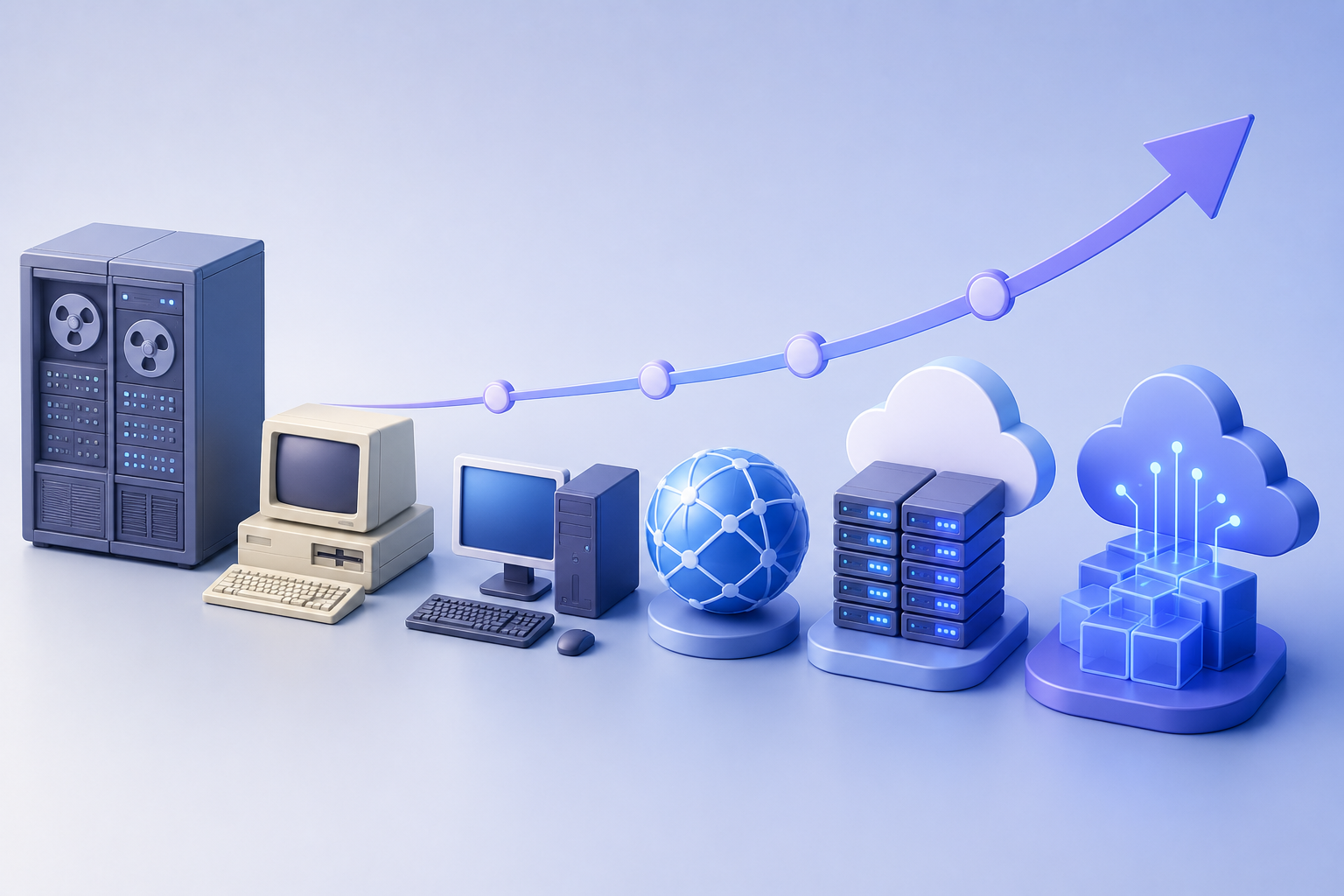
Now that you understand how cloud infrastructure operates behind the scenes, it's time to explore how modern computing evolved to make cloud computing possible.
In the next issue, we'll cover:
The Evolution of Computing: From Mainframes to the Cloud
You'll learn how decades of computing innovation—from mainframes and personal computers to virtualization and distributed systems—ultimately led to today's cloud platforms.