June 26, 2026
Best AI Productivity Tools (2026)
Artificial intelligence is changing how people work. Tasks that once required hours can often be completed in minutes. Meetings can be summarized automatically. Documents can be drafted faster. Research can be completed more efficiently. Projects can be organized with less manual effort. The growing number of AI tools, however, also creates a challenge. Which ones are actually worth using? In this guide, we'll explore some of the best AI productivity tools available in 2026, what they do best, and which users may benefit from them.
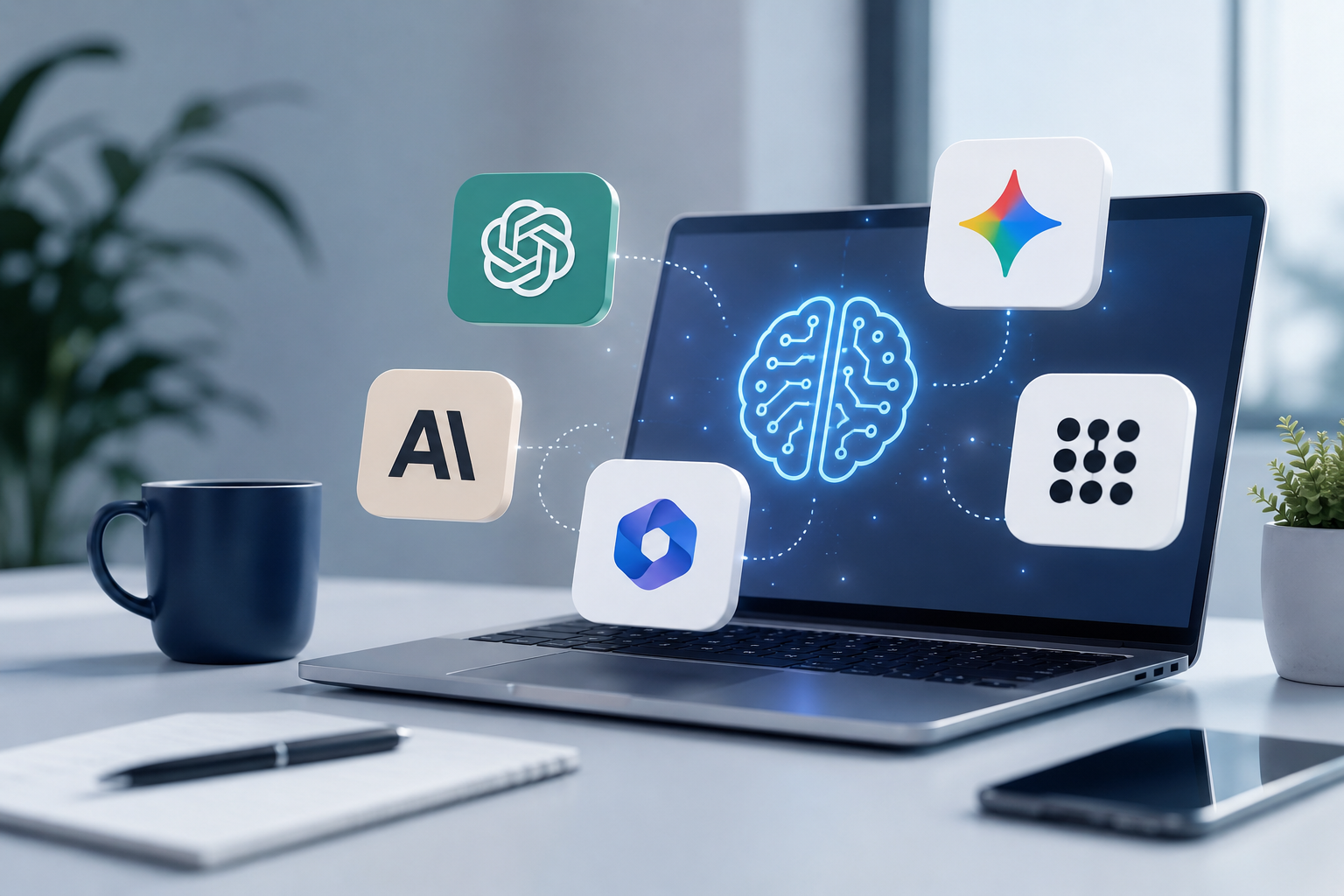
Best AI Productivity Tools (2026)
Artificial intelligence is no longer a technology reserved for software engineers or researchers.
Today, professionals across nearly every industry are using AI to save time, organize work, and improve productivity.
Rather than replacing human expertise, many AI tools act as assistants.
They help summarize information.
Generate ideas.
Answer questions.
Automate repetitive work.
Organize knowledge.
And improve everyday workflows.
The goal is not working harder.
It’s working more efficiently.
With hundreds of AI applications now available, choosing the right tools can be overwhelming.
This guide highlights some of the most popular and practical AI productivity tools available today.
What Makes A Good AI Productivity Tool?
Not every AI application improves productivity.
Some create more work than they save.
The best productivity tools generally share several characteristics.
They save time.
They integrate naturally into existing workflows.
They are easy to learn.
They reduce repetitive work.
And they help people focus on higher-value tasks.
Ultimately, the best productivity tool is one that fits your workflow rather than forcing you to change it completely.
1. ChatGPT
ChatGPT has become one of the most widely used AI productivity tools in the world.
It assists with writing, brainstorming, research, coding, planning, summarization, and problem-solving.
Many professionals use ChatGPT as an everyday work assistant rather than for a single specialized task.
Best For
- Brainstorming
- Writing
- Research
- Learning
- Drafting documents
- General productivity
Pros
- Extremely versatile
- Natural conversations
- Strong reasoning capabilities
- Large ecosystem of integrations
Considerations
- Responses should still be reviewed.
- Accuracy depends on the task and available information.
2. Claude
Claude is well known for its thoughtful writing style and ability to work with large documents.
Many professionals use Claude when reviewing reports, policies, contracts, and long-form content.
Its conversational approach also makes it useful for planning and structured thinking.
Best For
- Long documents
- Writing
- Editing
- Analysis
- Business communication
Pros
- Excellent long-context capabilities
- Clear writing style
- Strong document analysis
Considerations
- May produce different responses than other AI assistants.
- Human review remains important.
3. Microsoft Copilot
Microsoft Copilot integrates AI directly into familiar workplace applications such as Word, Excel, PowerPoint, Outlook, and Teams.
Rather than introducing another application, Copilot works within existing workflows.
This makes it attractive for organizations already using Microsoft 365.
Best For
- Office productivity
- Email drafting
- Document creation
- Spreadsheet assistance
- Presentations
Pros
- Familiar interface
- Deep Microsoft integration
- Enterprise-focused
Considerations
- Greatest value for Microsoft ecosystem users.
4. Google Gemini
Gemini combines AI assistance with Google’s productivity ecosystem.
It supports writing, brainstorming, coding, research, and collaboration while integrating with Google Workspace.
Organizations already relying on Gmail, Docs, Drive, and Meet may benefit from these integrations.
Best For
- Google Workspace
- Research
- Collaboration
- Everyday productivity
Pros
- Google ecosystem integration
- Multimodal capabilities
- Broad productivity features
Considerations
- Best experience within Google’s ecosystem.
5. Perplexity
Perplexity focuses on AI-assisted research.
Rather than simply generating responses, it emphasizes retrieving current information and citing sources.
This makes it particularly useful for professionals performing research or investigating unfamiliar topics.
Best For
- Research
- Fact-finding
- Learning
- Industry analysis
Pros
- Source citations
- Fast research
- Excellent information discovery
Considerations
- Research results should still be verified for important decisions.
Comparing The Tools
| Tool | Best For |
|---|---|
| ChatGPT | General productivity |
| Claude | Long documents and writing |
| Microsoft Copilot | Microsoft 365 users |
| Google Gemini | Google Workspace users |
| Perplexity | Research and information discovery |
Each tool excels in different situations.
Many professionals use more than one depending on the task.
Which Tool Should You Choose?
The best AI productivity tool depends on how you work.
If your work involves writing and brainstorming, ChatGPT or Claude may be excellent choices.
If your organization relies heavily on Microsoft Office, Microsoft Copilot may integrate naturally into existing workflows.
If you primarily use Google Workspace, Gemini may offer the smoothest experience.
If research is your priority, Perplexity stands out for information discovery and source referencing.
There is no universally “best” AI productivity tool.
There is only the best tool for your workflow.
Tips For Using AI Productively
Regardless of which tool you choose, a few habits can improve results.
Use AI to assist your work rather than replace your judgment.
Review important outputs before sharing them.
Protect sensitive information.
Experiment with different prompts.
Choose the tool that best fits the task.
Small improvements repeated every day often produce significant productivity gains over time.
Key Takeaways
- AI productivity tools help automate repetitive work and improve efficiency.
- ChatGPT is a versatile general-purpose AI assistant.
- Claude performs well with writing and long documents.
- Microsoft Copilot integrates closely with Microsoft 365.
- Gemini works well within the Google Workspace ecosystem.
- Perplexity excels at AI-assisted research.
- The best productivity tool depends on your workflow and priorities.
Frequently Asked Questions
What is the best AI productivity tool overall?
There is no single best option. ChatGPT is one of the most versatile choices, while other tools may be better suited for specific workflows.
Can AI replace productivity software?
No. AI generally enhances existing workflows rather than replacing all productivity applications.
Should businesses use multiple AI tools?
Many organizations use different AI tools for different purposes, such as research, document creation, collaboration, and coding.
Conclusion
Artificial intelligence is changing how people approach everyday work.
Rather than replacing professionals, today’s AI productivity tools help reduce repetitive tasks and free more time for creative thinking, collaboration, and decision-making.
The most effective approach is not choosing the tool with the most features.
It is choosing the tool that best supports the way you already work.
As AI continues evolving, productivity will likely depend less on working longer hours and more on using the right tools effectively.
Related AI Tools
- Perplexity AI Review (2026)
- ChatGPT vs Claude vs Gemini
- Best AI Research Tools (2026)
- Best AI Writing Tools (2026)
- Best AI Tools for Small Businesses (2026)