June 28, 2026
Best AI Meeting Assistant Tools (2026)
AI meeting assistants are transforming how professionals collaborate by automating note-taking, meeting summaries, transcripts, and action items. This guide compares the best AI meeting assistant tools in 2026, highlighting their features, strengths, and ideal use cases to help you choose the right solution for your workflow.
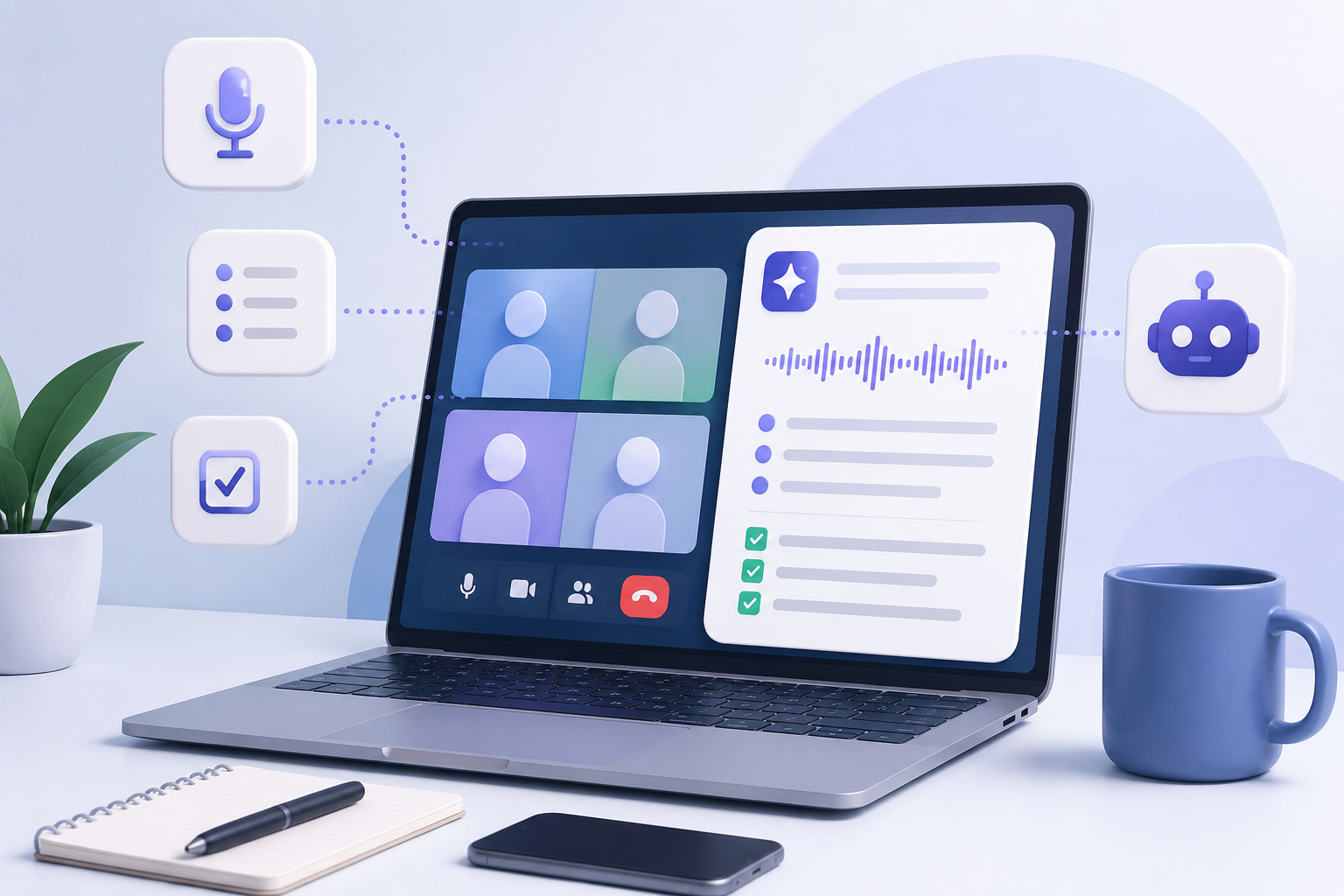
Best AI Meeting Assistant Tools (2026)
Meetings are an essential part of modern work.
They help teams collaborate, make decisions, share updates, and solve problems.
They can also consume a significant amount of time.
Many professionals spend as much time preparing for meetings, taking notes, and following up afterward as they do attending the meetings themselves.
Artificial intelligence is beginning to change that.
Today’s AI meeting assistants can automatically record conversations, generate transcripts, summarize discussions, identify action items, and even help teams search previous meetings.
Rather than replacing meetings, these tools help make meetings more productive.
This guide explores some of the best AI meeting assistant tools available in 2026 and explains which users may benefit most from each platform.
What Is An AI Meeting Assistant?
An AI meeting assistant is software that uses Artificial Intelligence to help automate common meeting tasks.
Instead of manually writing notes throughout a meeting, AI assistants can:
- Record conversations
- Generate transcripts
- Create meeting summaries
- Identify action items
- Organize decisions
- Search previous meetings
- Assist with follow-up communication
Many tools also integrate directly with platforms such as Zoom, Microsoft Teams, and Google Meet.
As AI continues improving, meeting assistants are becoming valuable productivity tools for professionals and organizations of all sizes.
What Makes A Good AI Meeting Assistant?
Not every AI meeting assistant offers the same capabilities.
When comparing tools, consider:
- Transcription accuracy
- Summary quality
- Action item detection
- Ease of use
- Collaboration features
- Search capabilities
- Integrations
- Security and privacy
- Pricing
The best tool depends on your workflow rather than simply choosing the platform with the most features.
Best AI Meeting Assistant Tools (2026)
1. Otter.ai
Best For: Automatic meeting transcription
Otter.ai remains one of the most recognized AI meeting assistants.
It automatically joins meetings, records conversations, creates searchable transcripts, and generates concise meeting summaries.
Many professionals appreciate its ability to search previous meetings, making it easy to revisit important discussions weeks or even months later.
Pros
- Accurate transcription
- Automatic meeting summaries
- Searchable transcripts
- Simple interface
- Integrates with major meeting platforms
Cons
- Accuracy depends on audio quality
- Advanced features require a paid plan
2. Fireflies.ai
Best For: Team collaboration
Fireflies.ai focuses on helping teams organize conversations and collaborate after meetings.
Beyond transcription, it allows users to highlight key moments, assign action items, leave comments, and organize discussions within shared workspaces.
For organizations holding frequent internal meetings, these collaboration features can significantly improve productivity.
Pros
- Excellent collaboration tools
- Strong integrations
- Action item tracking
- Easy sharing
Cons
- Large feature set may require time to learn
3. Microsoft Teams Copilot
Best For: Microsoft 365 organizations
Organizations already using Microsoft Teams can benefit from Microsoft Copilot.
Copilot can summarize meetings, answer questions about conversations, identify decisions, generate follow-up tasks, and help employees quickly understand what they missed.
Its greatest advantage comes from being integrated directly into the Microsoft ecosystem.
Pros
- Deep Microsoft integration
- Enterprise security
- Excellent productivity features
- Strong meeting summaries
Cons
- Most valuable for Microsoft users
4. Zoom AI Companion
Best For: Zoom users
Zoom AI Companion provides meeting summaries, highlights, and action items directly within Zoom.
Because it is built into an existing meeting platform, organizations can begin using AI features without adopting entirely new software.
For businesses already relying heavily on Zoom, this simplicity is one of its greatest strengths.
Pros
- Built directly into Zoom
- Easy to use
- Good meeting summaries
- No separate workflow required
Cons
- Limited outside the Zoom ecosystem
5. Notion AI
Best For: Organizing meeting knowledge
Although Notion AI is not exclusively a meeting assistant, many professionals use it to organize meeting notes, summarize discussions, maintain project documentation, and build searchable knowledge bases.
It works particularly well for teams that want meeting information connected with broader project management.
Pros
- Excellent knowledge management
- AI-assisted note organization
- Strong collaboration
- Flexible workspace
Cons
- Not designed solely for meetings
Choosing The Right AI Meeting Assistant
Different professionals have different priorities.
| Goal | Recommended Tool |
|---|---|
| Meeting transcription | Otter.ai |
| Team collaboration | Fireflies.ai |
| Microsoft organizations | Microsoft Teams Copilot |
| Zoom meetings | Zoom AI Companion |
| Knowledge management | Notion AI |
There is no universal “best” meeting assistant.
The right platform depends on how your organization collaborates and where AI can save the most time.
Best Practices For Using AI Meeting Assistants
AI meeting assistants are designed to improve productivity—not replace active participation.
Consider these best practices:
- Inform participants when meetings are being recorded.
- Review AI-generated summaries before sharing them.
- Verify action items for accuracy.
- Protect confidential information.
- Establish clear organizational policies for AI meeting tools.
Strong AI Governance and AI Risk Management practices help organizations use AI meeting assistants responsibly.
Frequently Asked Questions
Are AI meeting assistants worth using?
For many professionals, yes.
AI meeting assistants can significantly reduce the time spent taking notes, writing summaries, and tracking follow-up tasks.
Instead of focusing on documentation during a meeting, participants can pay more attention to the discussion itself.
Can AI meeting assistants replace note-taking?
They can automate much of the note-taking process, but important meetings should still include human review.
AI-generated summaries may occasionally miss context or misunderstand parts of a conversation.
Reviewing meeting notes before sharing them helps improve accuracy.
Do AI meeting assistants work with remote meetings?
Most modern AI meeting assistants integrate directly with popular collaboration platforms such as Zoom, Microsoft Teams, and Google Meet.
Many can automatically join scheduled meetings, record conversations, and generate summaries without additional manual work.
Are AI meeting assistants secure?
Security varies between platforms.
Organizations should evaluate how meeting recordings, transcripts, and sensitive information are stored before adopting any AI meeting assistant.
Reviewing security documentation and establishing clear governance policies can help reduce organizational risk.
How AI Meeting Assistants Improve Productivity
Meetings rarely end when participants leave the call.
Teams often spend additional time writing summaries, sending follow-up emails, documenting decisions, assigning action items, and organizing meeting notes.
AI meeting assistants automate much of this work.
Instead of manually searching through handwritten notes, employees can search transcripts.
Instead of writing lengthy summaries, AI generates concise recaps.
Instead of forgetting action items, AI identifies them automatically.
This allows professionals to spend more time making decisions and less time documenting conversations.
For organizations with frequent meetings, the cumulative time savings can be substantial.
Responsible Use Of AI Meeting Assistants
Like any AI system, meeting assistants should be used responsibly.
Organizations should establish clear expectations around:
- Recording consent
- Data privacy
- Information security
- Meeting retention policies
- Human review of AI-generated summaries
- Acceptable use guidelines
Strong AI Governance helps ensure AI meeting assistants improve productivity without introducing unnecessary organizational risk.
Likewise, effective AI Risk Management helps organizations evaluate security, privacy, and compliance considerations before deploying AI meeting tools at scale.
Responsible AI adoption is not about avoiding AI.
It is about implementing AI thoughtfully.
Final Thoughts
Meetings are an important part of modern work, but documenting everything discussed can quickly become time-consuming.
AI meeting assistants help automate many of these repetitive tasks by recording conversations, generating transcripts, identifying action items, and producing concise summaries.
No single platform is perfect for every organization.
Some tools excel at transcription.
Others integrate deeply with existing productivity software.
Others focus on collaboration and knowledge management.
The best AI meeting assistant is the one that fits naturally into your team’s existing workflow while saving meaningful amounts of time.
As AI continues evolving, meeting assistants will likely become a standard part of how organizations collaborate, communicate, and manage knowledge.
Related AI Tools
- Best AI Productivity Tools (2026)
- Best AI Research Tools (2026)
- Best AI Writing Tools (2026)
- Best AI Note-Taking Tools (2026)
- ChatGPT vs Claude vs Gemini: Which AI Assistant Is Right For You?
- Best AI Tools for Beginners (2026 Guide)
Related Concepts
- Artificial Intelligence
- AI Governance
- AI Risk Management
- Generative AI
- Prompt Engineering
- AI Productivity
Related Articles
- How AI Is Moving From Tools To Workflows
- How Businesses Are Actually Using AI
- Why AI Literacy Matters Now
- What Is Artificial Intelligence, Really?
- The Difference Between Learning AI and Consuming AI Content